
Feature
Material ordering, standalone or from a quote.
Create a material order from an accepted quote, import a quote from another tool, or start from scratch. Quantities, product codes, and profile drawings included. No re-counting, no spreadsheets, no phone calls with missing details.
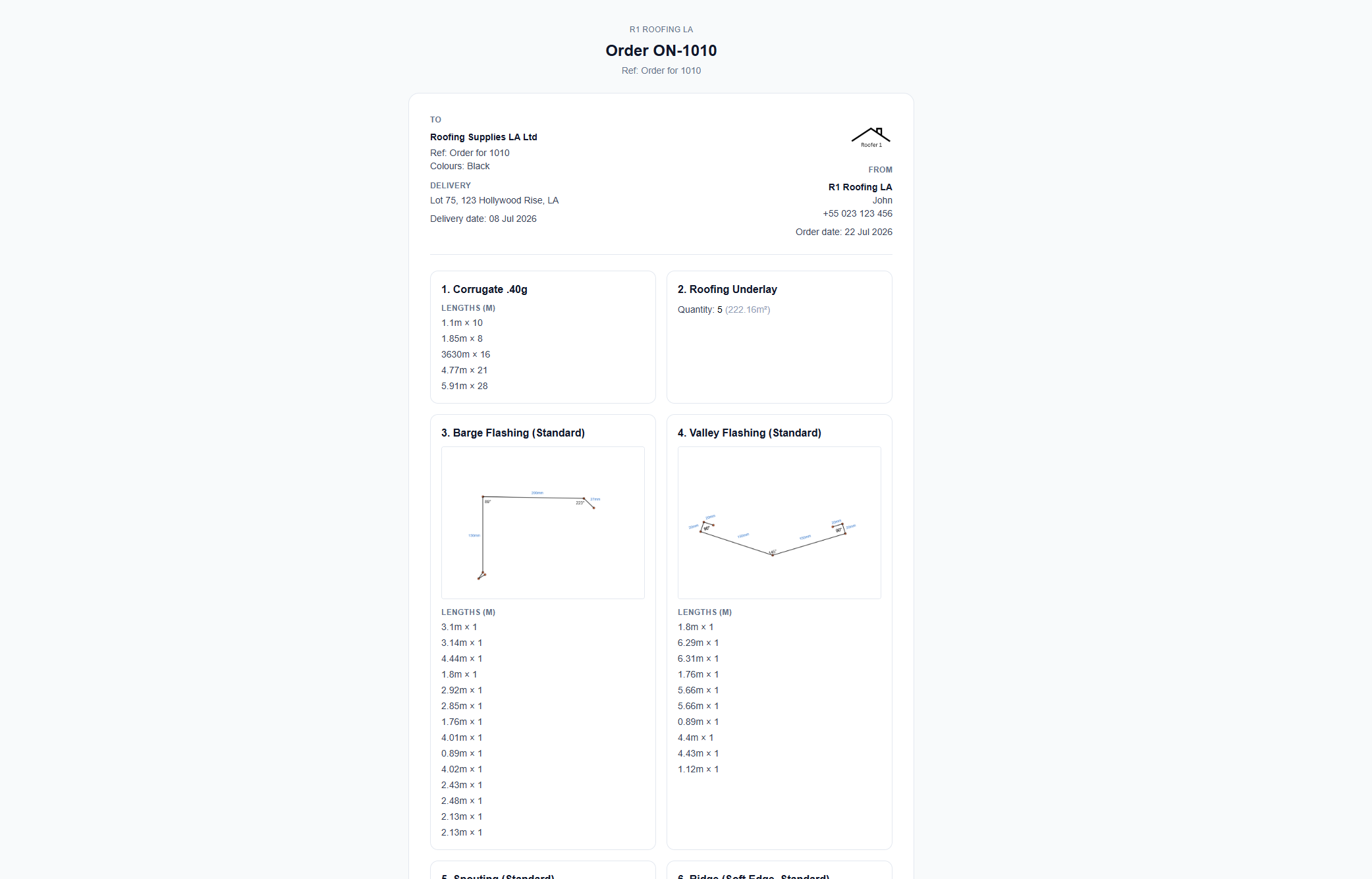
Three ways to start
From an accepted quote, import a quote from elsewhere, or start a blank order from scratch. The tool works standalone.
Supplier-ready format
Orders include product codes, cut lengths, delivery address, and contact details. Suppliers get exactly what they need.
Profile drawings included
Custom flashings include technical profile drawings with dimensions, so suppliers know exactly what to fabricate.
What is material ordering in QuoteCore+?
Material ordering is a standalone tool. You can generate an order from an accepted quote in QuoteCore+, import a quote from another tool, or start with a blank order from scratch. However you start, the order builder gives you a supplier-ready document with quantities, product codes, cut lengths, and delivery details.
When you do start from a QuoteCore+ quote, every Smart Component already knows what material it is, what quantity is needed, and what product code it uses. The material order takes that information and turns it into an order in seconds.
How it works
Start from a quote or from scratch
Generate an order from an accepted quote in QuoteCore+, import a quote from another tool, or start with a blank order. Three ways in, same result.
Review and adjust
Quantities, product codes, and descriptions flow from the quote's Smart Components™. Edit quantities, add items the quote didn't include (like fixings or consumables), or remove items you already have in stock.
Supplier-ready format
The order includes everything your supplier needs: quantities, cut lengths, product codes, delivery address, and contact details. Custom flashings include technical profile drawings with dimensions.
Send and track
Send the order directly from QuoteCore+. Every order is stored against the job, so you can see what was ordered, when, and for which quote.
Who it's for
Contractors who order materials from suppliers. Whether you quote in QuoteCore+ or elsewhere, the material ordering tool gives you a clean, supplier-ready document without re-counting or re-formatting.
What problem it solves
Re-counting from the quote
After acceptance, materials have to be counted and formatted for the supplier. The order builder does this automatically from the quote's Smart Components™.
Missing product codes
Supplier orders without product codes lead to delays and wrong deliveries. Smart Components™ store product codes, so every order includes them.
No order history
Every material order is stored against the job. You can see what was ordered, when, and for which quote, without searching through emails.
Supported inputs and outputs
Inputs
- - Accepted quote with Smart Components
- - Product codes and quantities from components
- - Supplier details (name, contact)
- - Custom line items (add manually)
- - Blank order (start from scratch)
Outputs
- - Material order with quantities and product codes
- - Supplier delivery details
- - Order stored against the job
- - Printable order document
Worked example: ordering tiles and ridge
A contractor accepts a quote for a 180 m2 gable roof:
- 1. Open the accepted quote: The quote has 198 m2 of concrete tiles (with waste) and 12 m of ridge.
- 2. Generate order: Click "Create material order". All line items pull through automatically with product codes and quantities.
- 3. Add extras: The contractor adds 2 rolls of underlay and 1 box of nails manually.
- 4. Send to supplier: The order is emailed or printed for the supplier with all details.
What it does not do
No direct supplier API ordering
Material orders are generated as documents (printable or emailable). The system does not place live orders into supplier e-commerce systems.
No delivery tracking
Orders are stored against the job, but delivery status tracking is not included. You track delivery through your supplier as normal.
When it may not be the right fit
You order from a single supplier with a fixed list
If you always order the same materials from the same supplier with no variation, a phone call or email may be simpler. The order builder adds the most value when quotes vary in scope and materials.
Frequently asked questions
Do I need a quote to create a material order?
No. You can create a material order from an accepted quote in QuoteCore+, import a quote from another tool, or start with a blank order from scratch. The material ordering tool works standalone.
Can I send material orders to my supplier?
Yes. Material orders can be sent directly from QuoteCore+. The order includes quantities, product codes, cut lengths, delivery details, and profile drawings for custom components.
Can I edit a material order before sending it?
Yes. You can adjust quantities, add or remove items, and edit delivery details before sending the order to your supplier.
Related
Smart Components™
Components store product codes and quantities. Orders pull from them.
Digital roof takeoff
Measure the job. Smart Components™ price it. Material orders flow from it.
Free purchase order generator
Create a purchase order for free, no signup required.
Supplier network
Get your materials in front of contractors who order every day.
Pricing
Compare plans and start a 14-day free trial.
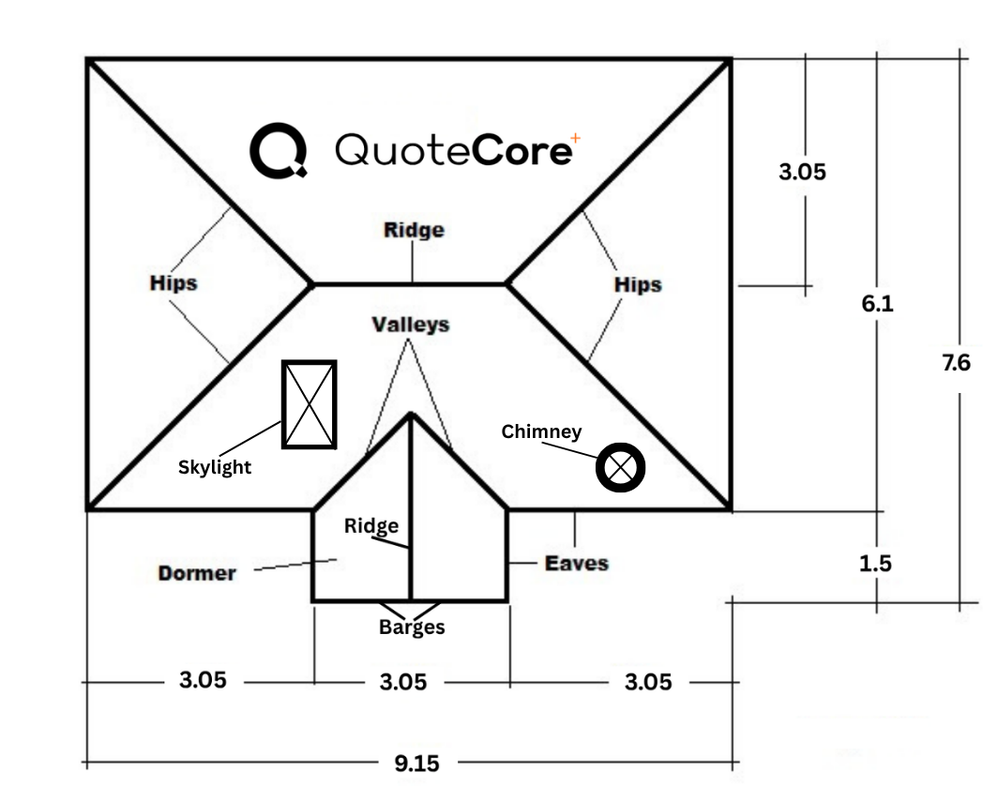 Interactive demo
Try our real system in 30 seconds or less
The same takeoff workstation that's in the app. No sign-in needed.